sonny with no subcommand, or sonny run, opens the interactive terminal UI.
This page walks through each region of that screen and explains what it is
telling you. It is deliberately honest about where its illustrations come from —
read the note at the bottom before you treat any of them as a screenshot.
The startup banner
The first thing on your terminal is the wordmark and the version line, followed on stderr by any posture warnings (an armed dangerous mode, an isolation result that did not satisfy its minimum). The banner is the source of the sentences the sidebar repeats later, so if you dismissed a warning at startup the sidebar is where you get it back.
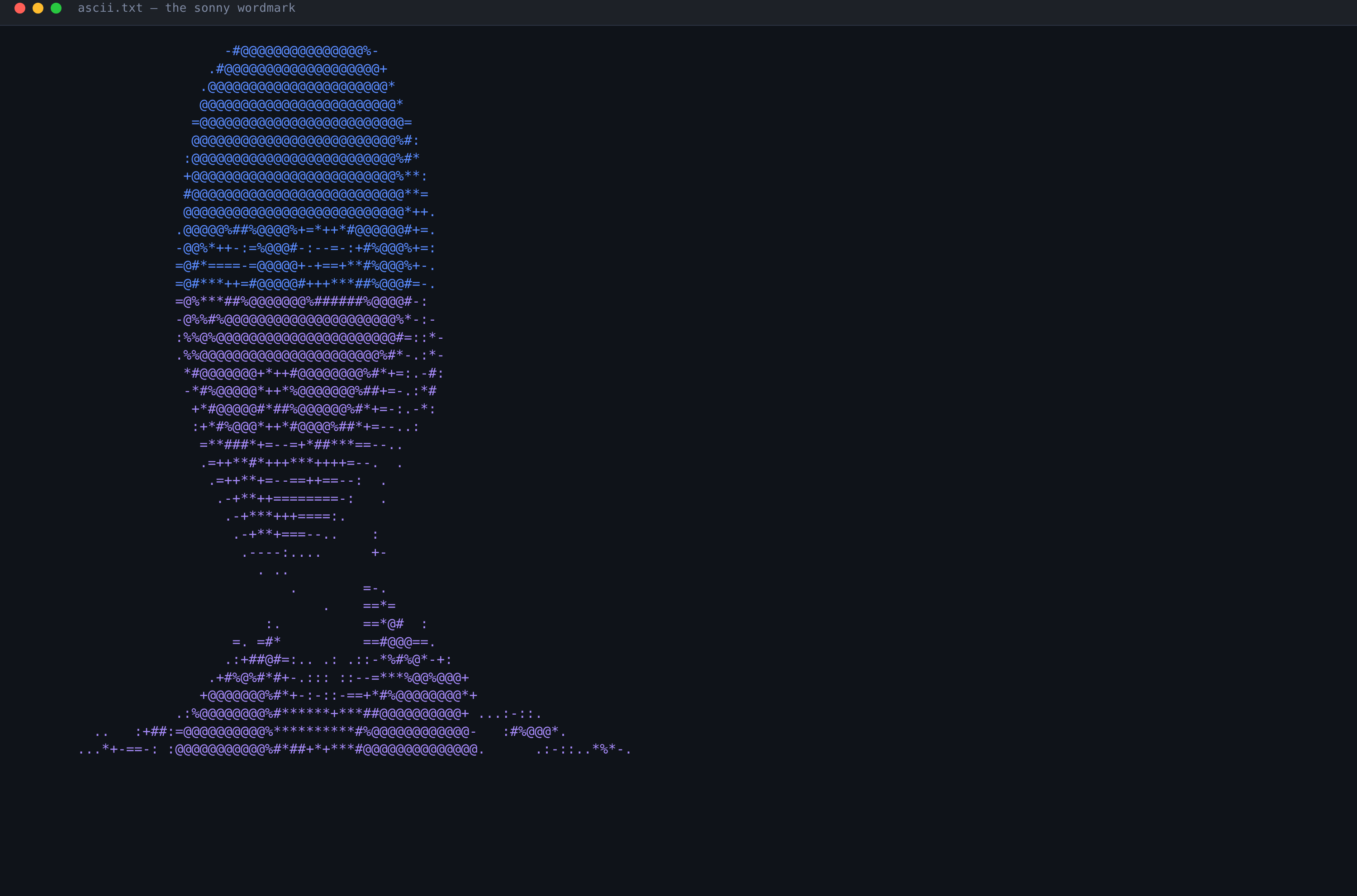
The version string in the banner carries the same descriptor sonny --version
prints, so it is the fastest way to confirm which build you are actually
talking to before you file a bug against it.
The chat pane
The chat pane owns the transcript and the input box. The transcript is a turn-ordered log of what you said, what the model said, and what every tool call did — and it is the surface where Sonny is most insistent that what is drawn matches what was measured.
Each case below is a frame from the UI’s characterization fixture — the golden file the layout tests compare every render against.
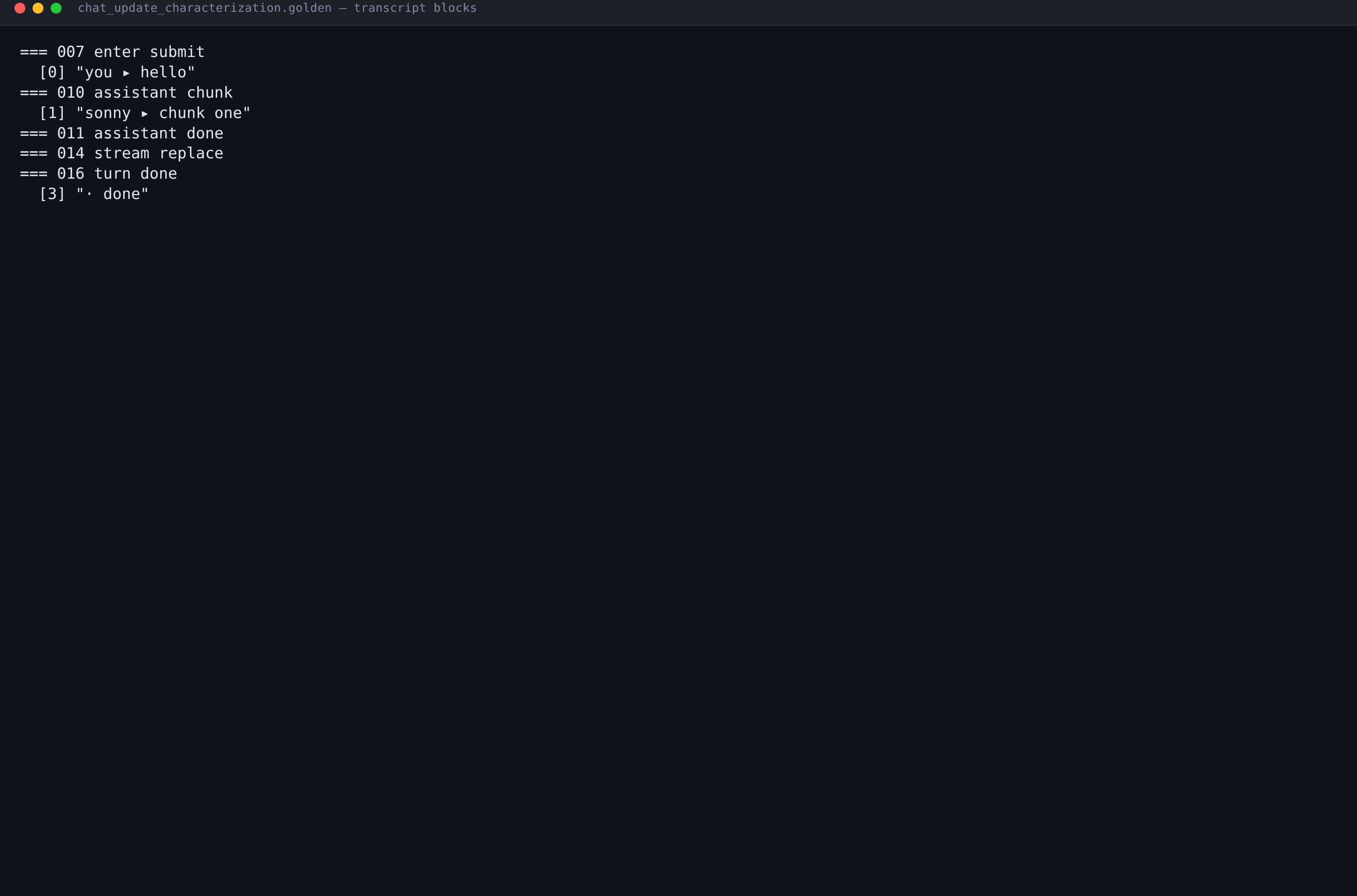
The transcript behaviour those frames pin down is worth knowing before you trust a long session:
- Your submission appears immediately. The
you ▸row is written as part of the submit, not after the first model token arrives, so a slow provider never looks like a dropped message. - A streamed replacement replaces. When the provider sends a full-text update rather than a delta, the existing assistant row is rewritten in place instead of appended to. You never see the same sentence twice.
- A completed turn is sealed. Once the turn-done event lands, the assistant row stops accepting deltas. Late text starts a new row rather than quietly editing an answer you already read.
Above the input box sits a recipe pill showing the active recipe and version, the
resolved profile (or routing… while that resolution is still in flight), and
provider://model. A failed operation is kept in its own panel immediately
above the input, wrapped so the whole message stays readable, and it clears when
you dismiss it, send another message, clear the chat, or the operation succeeds.
The sidebar
The sidebar only renders when the terminal is at least 100 columns wide, and it is fixed at 36 columns. Narrow the window below 100 columns and the chat pane takes the whole screen — nothing is hidden behind a scroll, the sidebar simply is not drawn.
From top to bottom it stacks, and each section renders only if it has something to show:
| Section | Header | What it reports |
|---|---|---|
| Logo + status | — | ○ idle, ● <turn phase>, ✓ done, or ! <failure> |
| Goal | — | Only a user-set goal (/goal or --goal); recipe defaults stay hidden |
| Pills | — | Provider, model, context; a locked: … row while pinned |
| LSP | ▼ LSP (N) | One row per language server, with diagnostic tallies |
| MCP | ▼ MCP (N) | State, name, ×N call count, ⇢ when proxied, transport |
| Skills | ▼ Skills (N) | Active skills first |
| Dangerous modes | ▼ Dangerous modes (N) | Only when something is armed or refused |
| Isolation | ▼ Isolation <status> | Never hidden — an unknown posture says so |
| Sub-agents | ▼ Sub-agents (N) | Worker tree with pack: and model: |
| Sessions | ▼ Sessions (N) | Local ▢ / remote ⇄, active tab, cwd, posture |
| Mesh | ▼ Mesh (N nodes) | ★ self / ● peer, state, last-seen Ns |
| Changed files | ▼ Changed files (N) | +12 -3 path/to/file.go |
| Tools | ▼ Tools (N) | exec ×17, most-used first |
| Efficiency | ▼ Efficiency (N) | The tool-efficiency block, see below |
| Capabilities | ▼ Capabilities (N) | id state detail ×N, actionable first |
Alt+C flips every section at once; /sidebar flips one. When the stack is
taller than the window the sidebar collapses sections itself, least important
first, and a section you opened by hand is left alone.
Dangerous modes
This is the section you most want to stay empty. It appears only when
auto-approve is on, the isolation bypass is in force, or a request for one of
them was refused by policy. A quiet session renders nothing here, because a
permanent auto-approve: off row is exactly the line an eye learns to skip.
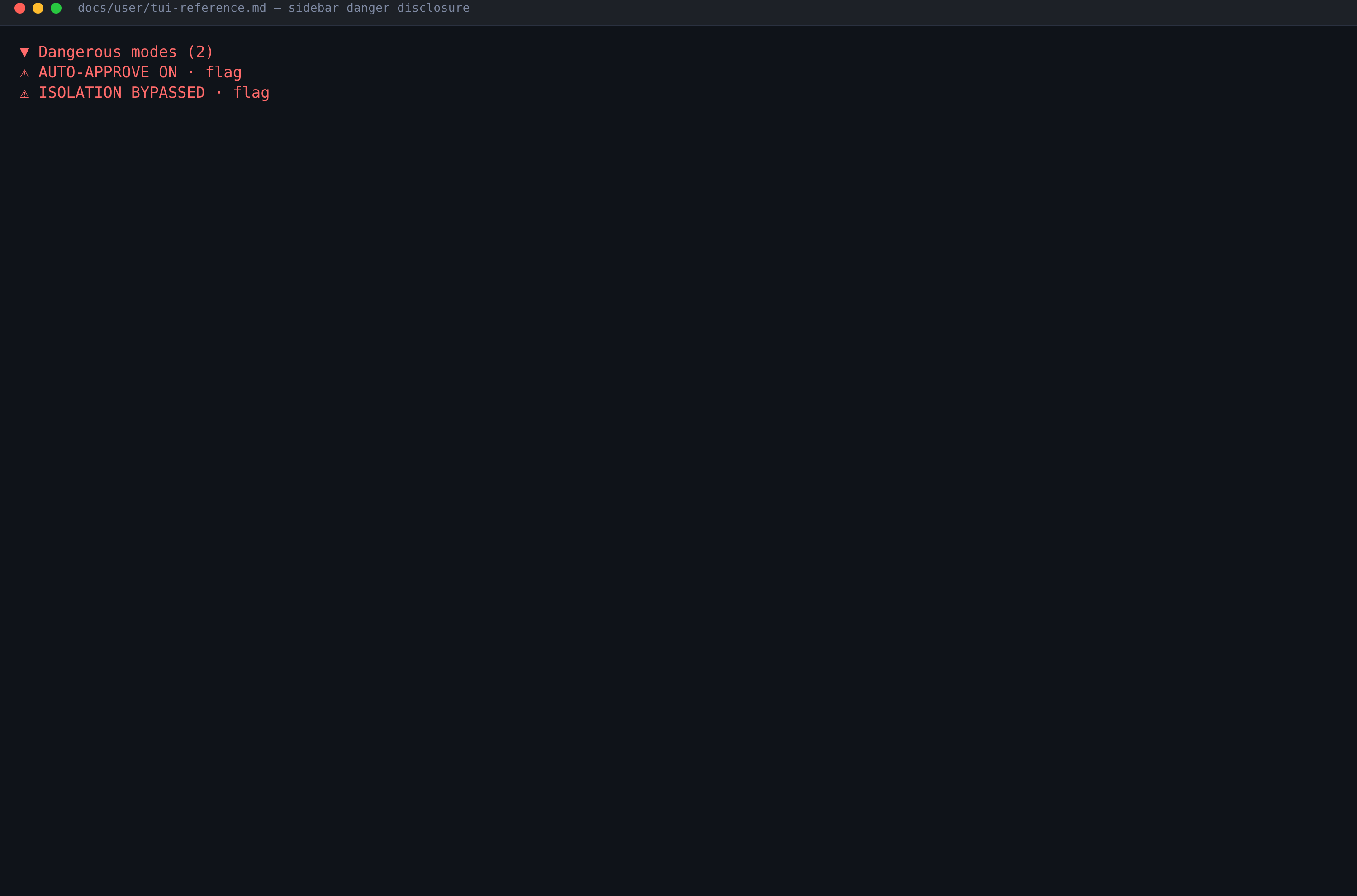
Three details make this section trustworthy rather than decorative:
- The two switches are never merged. Auto-approve and the isolation bypass
are independently granted, independently revocable, and independently
audited, so they get separate rows with their own origin (
flag,env,config,session_prompt,slash_command). - A refusal is marked differently. A policy refusal renders with
✗, not⚠, in the warning colour. A refusal is policy working; a⚠always means something dangerous is genuinely armed. - The notice cannot be overwritten. Unlike ordinary status text, the armed notice persists as long as the posture does.
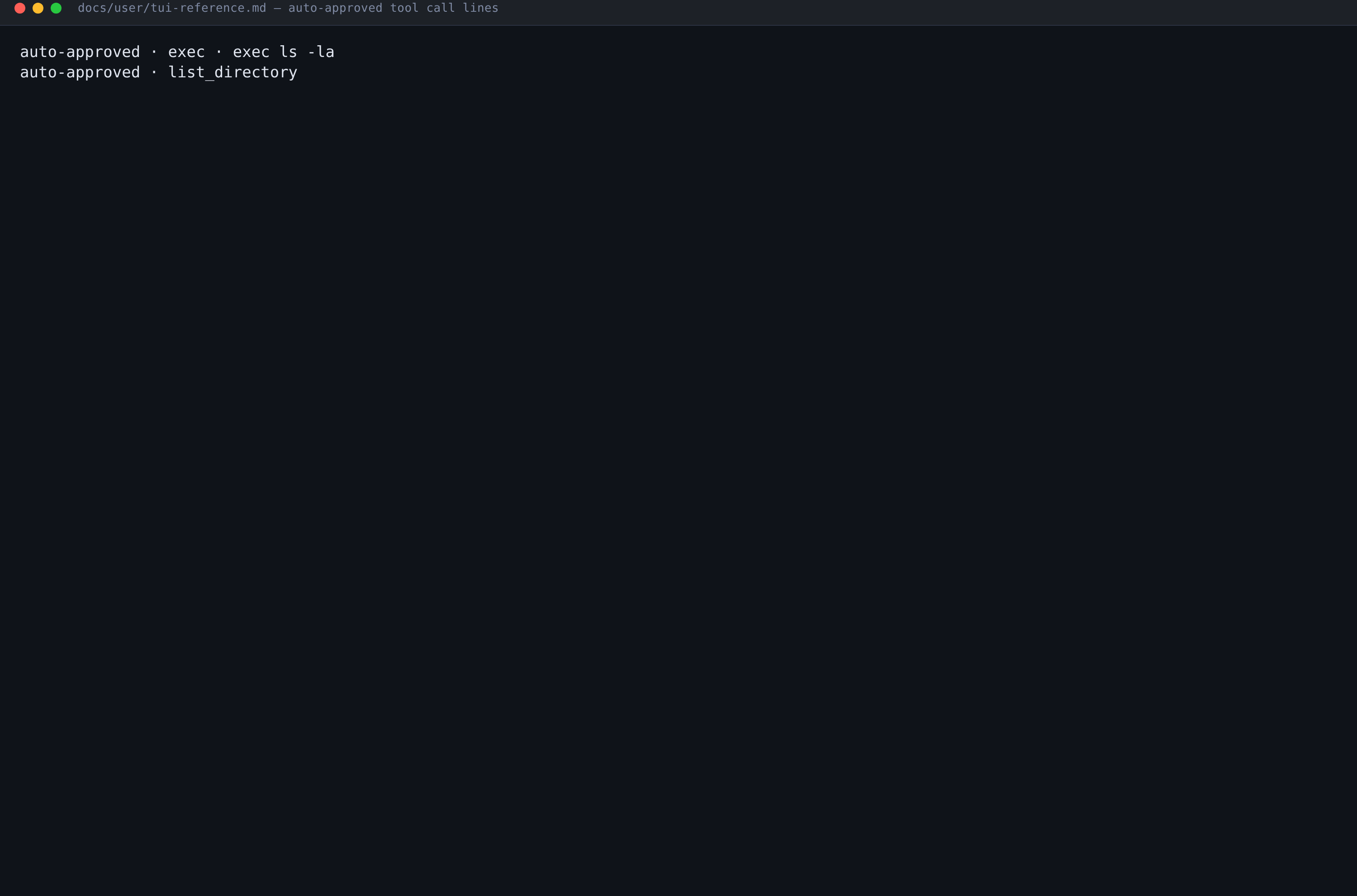
Every auto-approved call also writes one muted, greppable transcript line:
auto-approved · exec · exec ls -la
auto-approved · list_directory
auto-approved · is the prefix to grep for. It marks calls whose proof source
is auto_approve specifically — a call admitted by policy or by a persisted
grant is a different fact and is not tagged here.
Isolation posture
Isolation is the one section that never hides. A session with no posture
information says ? unknown with the body posture not reported, because a
silent sidebar would imply isolation is fine by omission. The status sits on the
header line, so even a collapsed ▶ Isolation ✓ verified answers the question.
| Header | Meaning |
|---|---|
? unknown | Nothing was reported |
○ off | No isolation was requested |
! UNISOLATED | Requested, but running unconfined |
! POLICY VIOLATION | Achieved assurance is below the requested minimum |
✓ verified | Evidence produced, checked, fresh, and sufficient |
◐ provisioning | The realm is still coming up |
⚠ stale | Evidence older than its freshness budget |
⚠ degraded | Running, but not fully healthy |
✗ failed / ✗ unavailable | Backend failed / no backend available |
? not verified | A claim with no accepted evidence behind it |
Evidence age is shown relatively (45s ago, (max 5m)) rather than as a
timestamp precisely so it ticks: staleness becomes visible without arithmetic.
The efficiency block
▼ Efficiency (N) carries the tool-efficiency runtime status — the same
projection sonny tools efficiency prints. The rows arrive already rendered
by that projection, and the sidebar formats them without computing, reordering,
or rewriting any of them, so the two surfaces cannot drift into different
answers about the same turn.
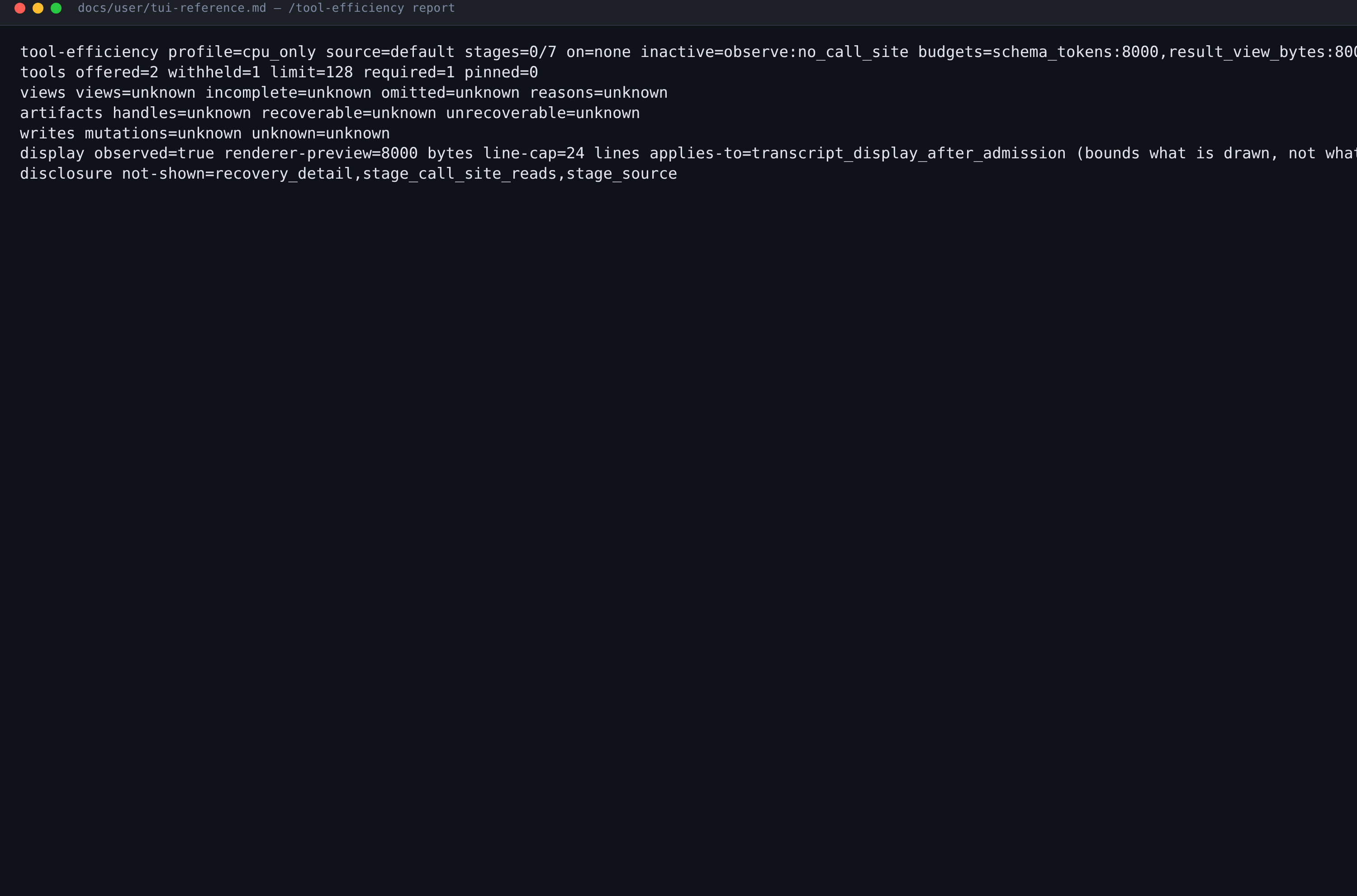
Two rules govern how it renders, and both exist to stop a display cap being mistaken for a saving:
renderer-previewis a display cap, not a context budget. Thedisplayrow’s preview ceilings bound what is drawn on your screen after admission; they change no model input. The row says so in its ownapplies-to=transcript_display_after_admissiontoken.unknownis never zero. A count nobody measured renders asunknown. “This turn recorded none” and “nothing at this surface can see them” are different facts, and the block refuses to collapse them.
A row whose widest token cannot fit 36 columns is dropped whole and
disclosed as +N rows too wide (sonny tools efficiency --json) — drawn directly
under the header, above the content it accounts for, because the sidebar
truncates trailing lines. An ellipsis through a measured value would still read
like a measurement and would not be one.
Where to go next
- Keyboard shortcuts and directives for every keybinding and the directive-resolution order.
- CLI reference for the non-interactive surface.
- Configuration
for
tui.yaml, themes, and clipboard behaviour.
Provenance of the images on this page
None of these images is a screenshot of a live sonny session. The TUI cannot
be driven headlessly, so each one is typeset from text that already exists in
the sonny repository:
| Image | Source |
|---|---|
sonny-banner.png | ascii.txt |
sonny-tui-chat.png | cmd/sonny/ui/testdata/chat_update_characterization.golden, cases 007, 010, 011, 014, 016 |
sonny-tui-dangerous.png | docs/user/tui-reference.md — dangerous-modes section |
sonny-tui-sidebar.png | docs/user/tui-reference.md — auto-approved call lines |
sonny-tool-efficiency.png | docs/user/tui-reference.md — the /tool-efficiency status block |
Sources are at commit 9726c080d8 (v0.12.0-818-g9726c080d8). The renderer
reads those files, reproduces their lines verbatim, lays them out as a terminal
window in the Sonny palette, and rasterises them with headless Chromium at 2×
device scale. The per-file record lives in
static/images/screenshots/PROVENANCE.md. They show you what the layout looks
like and what the text says; they do not demonstrate that a live binary
rendered that frame at that moment.